Admin Guide
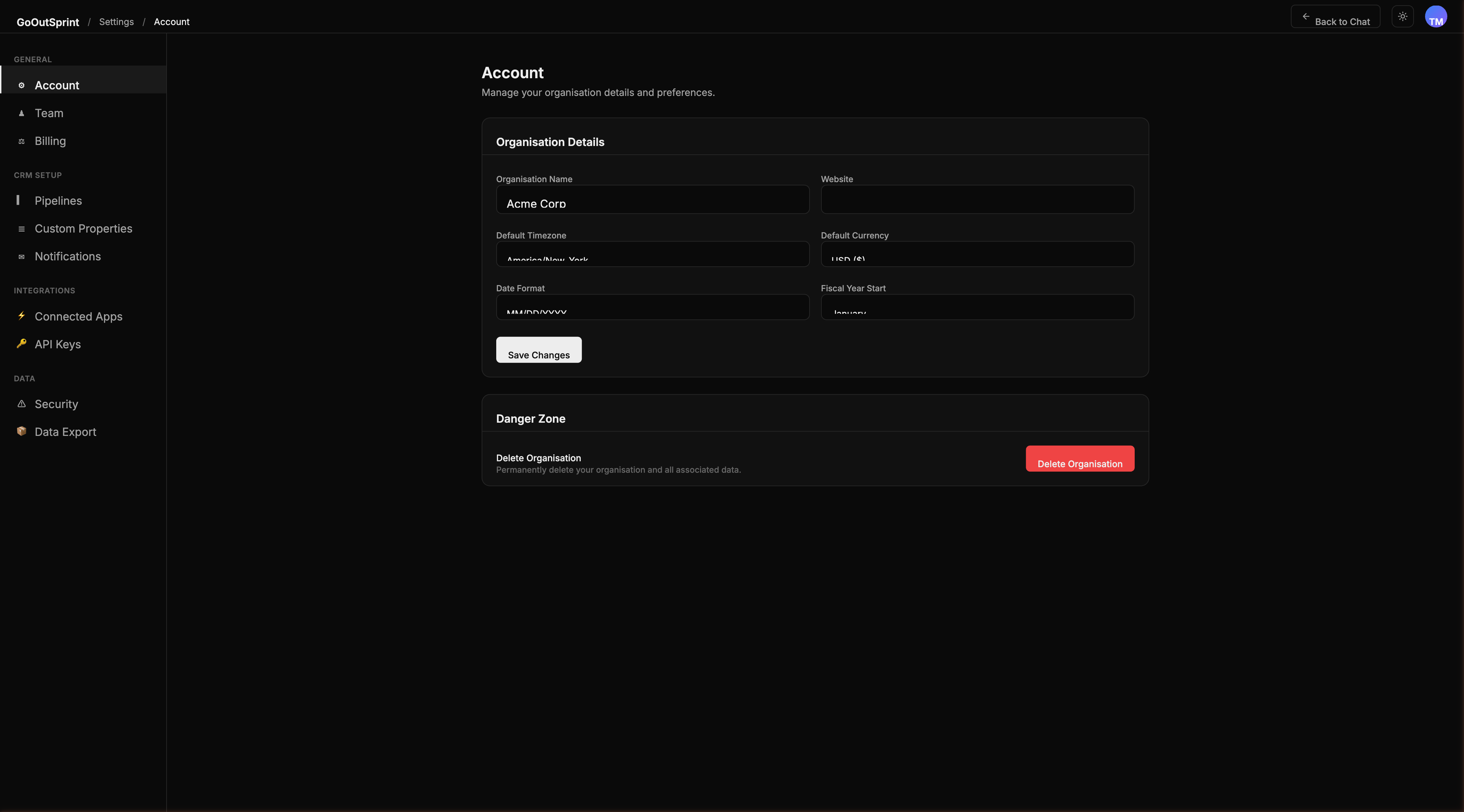
The Admin panel is your central hub for configuring Outsprint to fit your organisation. You can manage your team, customise your CRM setup, configure integrations, and control security policies -- all from one place.
Accessing Admin Settings
You can open the Admin panel in several ways:
- Type
/settingsin the chat - Click the gear icon in the top navigation bar
- Navigate directly to any settings page via its URL
Click Back to Chat at any time to return to the main chat interface.
Settings Sidebar
The settings sidebar is organized into four sections, matching the layout you see in the app:
General
- Account -- Organisation name, timezone, currency, date format, and danger zone
- Team -- Invite team members, manage roles, view plan and seat info
- Billing -- Plans & pricing, subscription management, invoices, and seats
CRM Setup
- Pipelines -- Configure deal and ticket pipeline stages with probability percentages
- Custom Properties -- Add custom fields to contacts, companies, deals, and tickets
- Notifications -- Choose how you get notified across in-app, email, and Slack channels
Integrations
- Connected Apps -- Connect third-party services (Gmail, Outlook, Slack, and more)
- API Keys -- Generate keys for external integrations
- Webhooks -- Send real-time events to external services
Data
- Security -- Password policies, two-factor authentication, active sessions, change password, and data retention
- Data Export -- Full tenant export, single-contact GDPR SAR export, and export history
Additional Guides
- Timezone & Currency -- Regional preferences on the Account page
- Roles & Permissions -- Control access with built-in and custom roles
- Removing Members -- Deactivate or remove users
- Importing Data -- Bring in data from CSV or HubSpot
- HubSpot Migration -- Step-by-step migration guide
- Audit Logs -- Review all activity in your account
- Feature Flags -- Internal feature rollout controls
- GDPR & Compliance -- Data subject rights and privacy
Pro Tip
Most admin settings are also available through chat. Try typing /settings or ask your AI assistant something like "show me my team members" to get started.