Organisation Settings
Configure your company details that appear across Outsprint, including email headers, invoices, and team invitations.
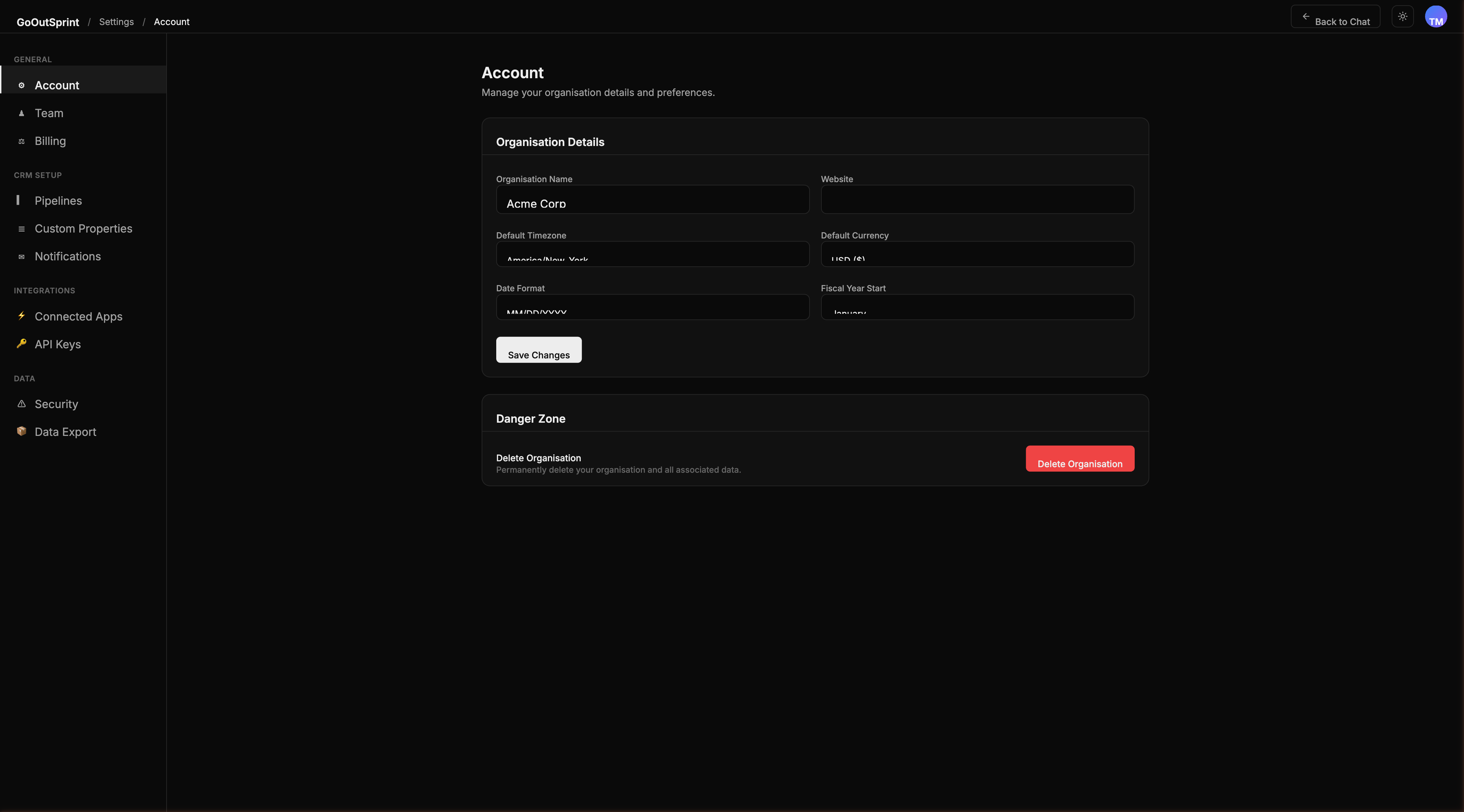
Updating Your Organisation Details
- Navigate to Settings > Account
- Update any of the following fields:
- Organisation Name -- displayed in the top bar, emails, and invoices
- Logo -- upload a PNG, SVG, or JPG file (max 2 MB, cropped to square)
- Website -- your company website URL
- Click Save to apply changes
Note
Changes to your organisation name and logo apply across the entire account and are visible to all team members immediately.
Fiscal Year
You can set your fiscal year start month, which affects how quarterly and annual reporting periods are calculated.
- Open Settings > Account
- Select your Fiscal Year Start month (January, April, July, or October)
- Click Save
Danger Zone
At the bottom of the Account page you will find the Danger Zone section.
- Export All Data -- generates a ZIP file containing all your contacts, companies, deals, tickets, and activities as CSV files. You will receive an email with a download link when the export is ready.
- Delete Organisation -- permanently deletes your entire account and all associated data. You must type your organisation name to confirm. This action is irreversible.
Warning
Deleting your organisation removes all data from the database, vector search indexes, and file storage. This cannot be undone.