Password Policies
Configure password complexity requirements and expiry rules for your organisation. These policies apply to all team members who log in with email and password.
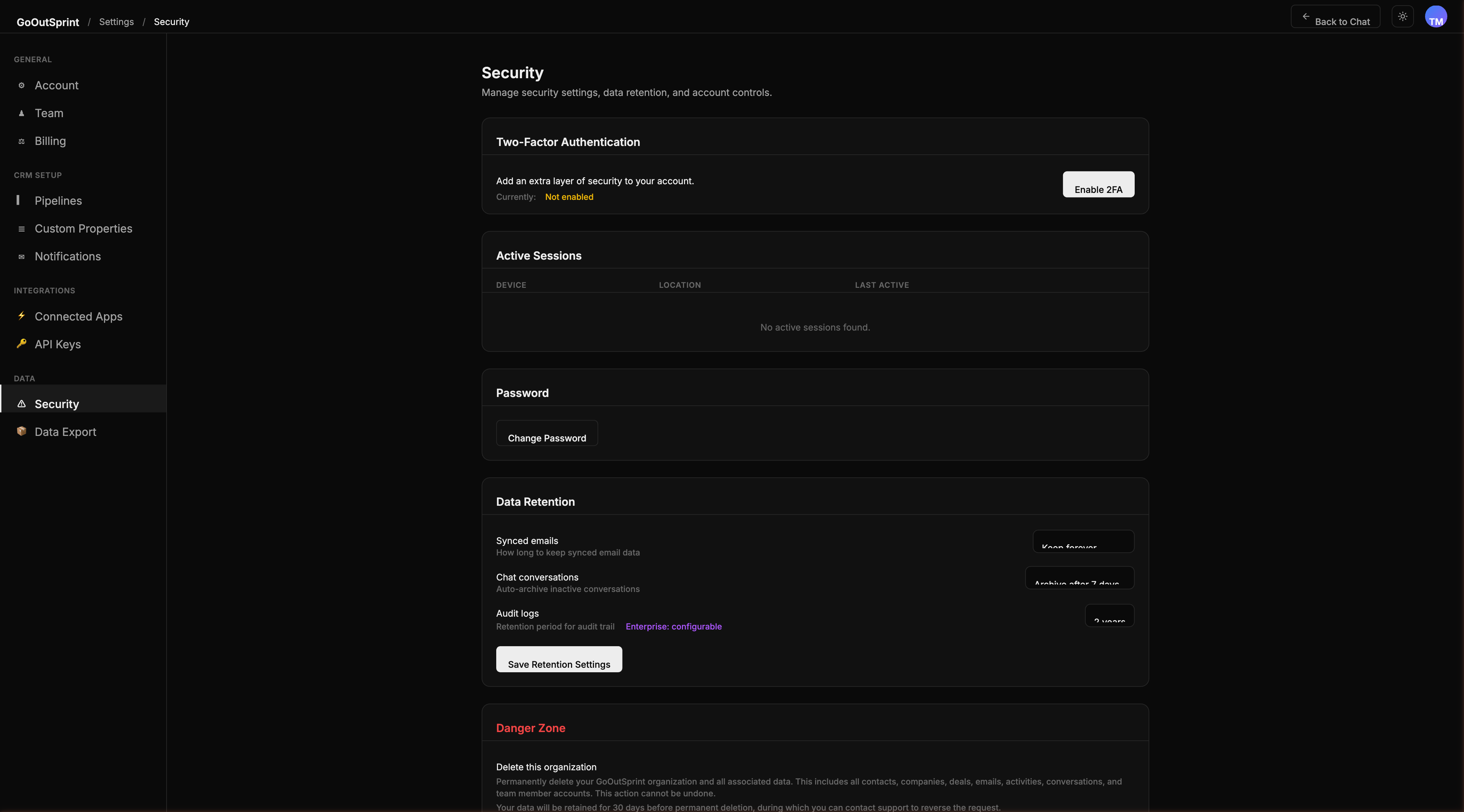
Configuring Your Password Policy
- Navigate to Settings > Security
- Find the Password Policy card
- Adjust the following settings:
- Minimum length -- set between 8 and 128 characters (default: 10)
- Require uppercase -- at least one uppercase letter
- Require lowercase -- at least one lowercase letter
- Require number -- at least one digit
- Require special character -- at least one special character
- Click Save
Password Expiry
You can require team members to change their passwords periodically:
| Option | Description |
|---|---|
| Never | Passwords do not expire (default) |
| 30 days | Users must change their password every 30 days |
| 60 days | Users must change their password every 60 days |
| 90 days | Users must change their password every 90 days |
When a password expires, the user is prompted to create a new one on their next login.
Note
Password policies do not apply when SSO is enforced. If your organisation uses required SSO, the password policy card will show a note indicating it is not applicable.
Pro Tip
For most teams, a minimum of 10 characters with all complexity requirements enabled and no expiry is a strong default that balances security with usability.