Roles & Permissions
Control what your team members can see and do with Outsprint's role-based permission system. Every user is assigned exactly one role.
Default Roles
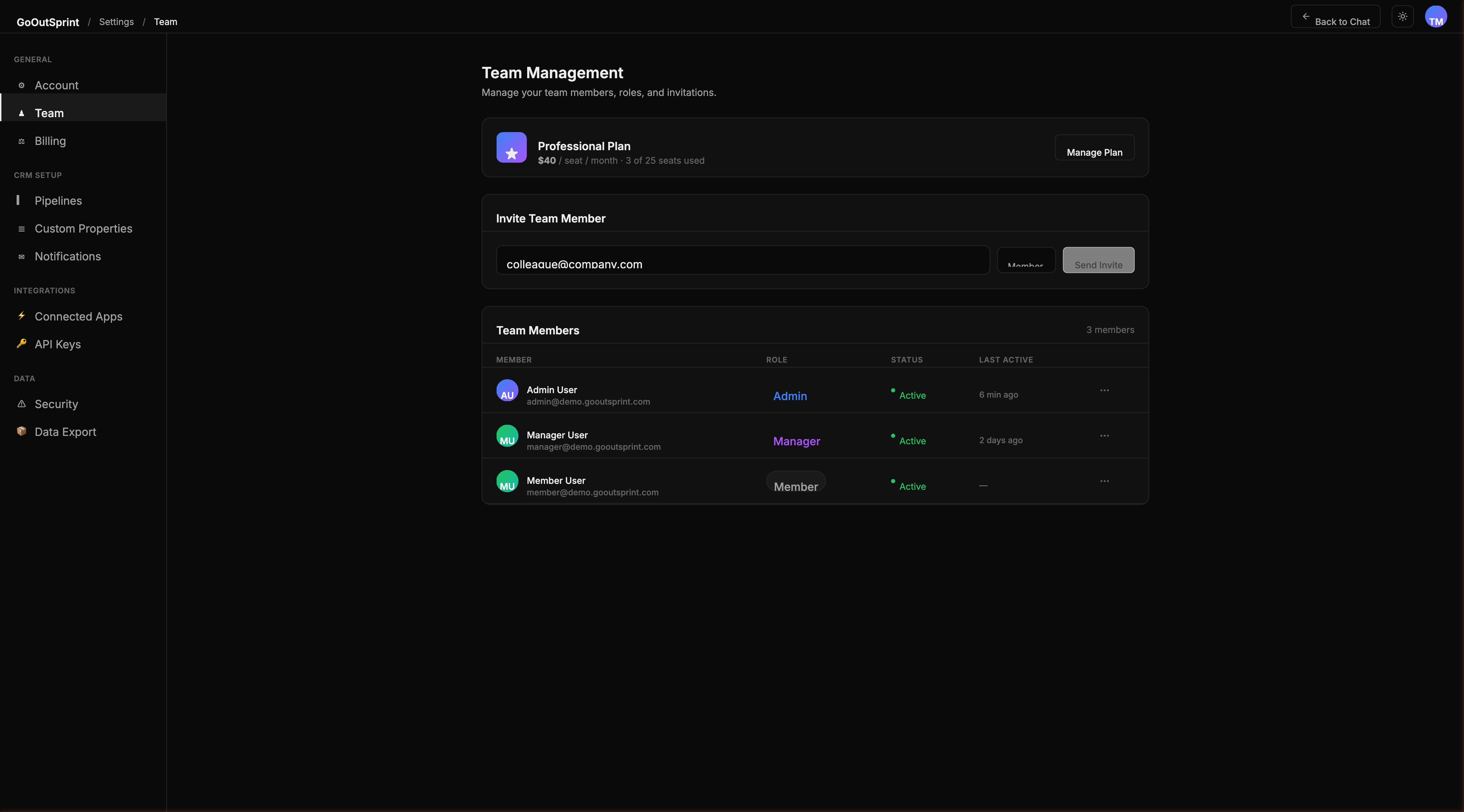
Outsprint includes three built-in roles that cannot be deleted:
| Role | Description |
|---|---|
| Admin | Full access to everything, including billing, team management, roles, and all settings |
| Manager | Full CRM access, can manage team members (invite, but not change roles), can view all records |
| Member | Standard CRM access, can view and edit own records and team-shared records, no admin settings access |
Permission Matrix
Permissions are defined per entity type (Contacts, Companies, Deals, Tickets, Tasks, etc.) and per action:
| Action | Description |
|---|---|
| View | See records in search results, tables, and chat responses |
| Create | Create new records |
| Edit | Update existing records |
| Delete | Delete records (with confirmation) |
| Export | Export data as CSV |
Record Visibility Scope
Each role also has a visibility scope that determines which records a user can access:
| Scope | Description |
|---|---|
| Own records only | User sees only records assigned to them |
| Team records | User sees records owned by anyone on their team |
| All records | User sees all records in the organisation |
Default scopes: Admin and Manager see all records; Member sees team records.
Creating Custom Roles
- Go to Settings > Roles & Permissions
- Click Create Role
- Enter a name and description
- Configure the permission matrix by checking the appropriate boxes for each entity and action
- Set the visibility scope
- Click Save
Pro Tip
Use the Duplicate option on an existing role to create a new role with similar permissions and adjust from there.
Field-Level Permissions
For sensitive data, you can restrict visibility of specific fields per role. For example, you can hide deal amounts from the Member role. Restricted fields display as "Restricted" instead of showing the value.
How Permissions Are Enforced
Permissions are enforced at every layer:
- API -- backend guards check permissions on every request
- Chat -- the AI assistant respects your permissions when executing commands
- Frontend -- action buttons are hidden or disabled based on your role
Warning
You cannot change your own role or deactivate yourself. The last admin in an organisation cannot be removed.