Chat Interface
The chat is the heart of Outsprint. Everything you do -- from looking up contacts to closing deals -- happens through conversation. This section covers how to use the chat effectively.
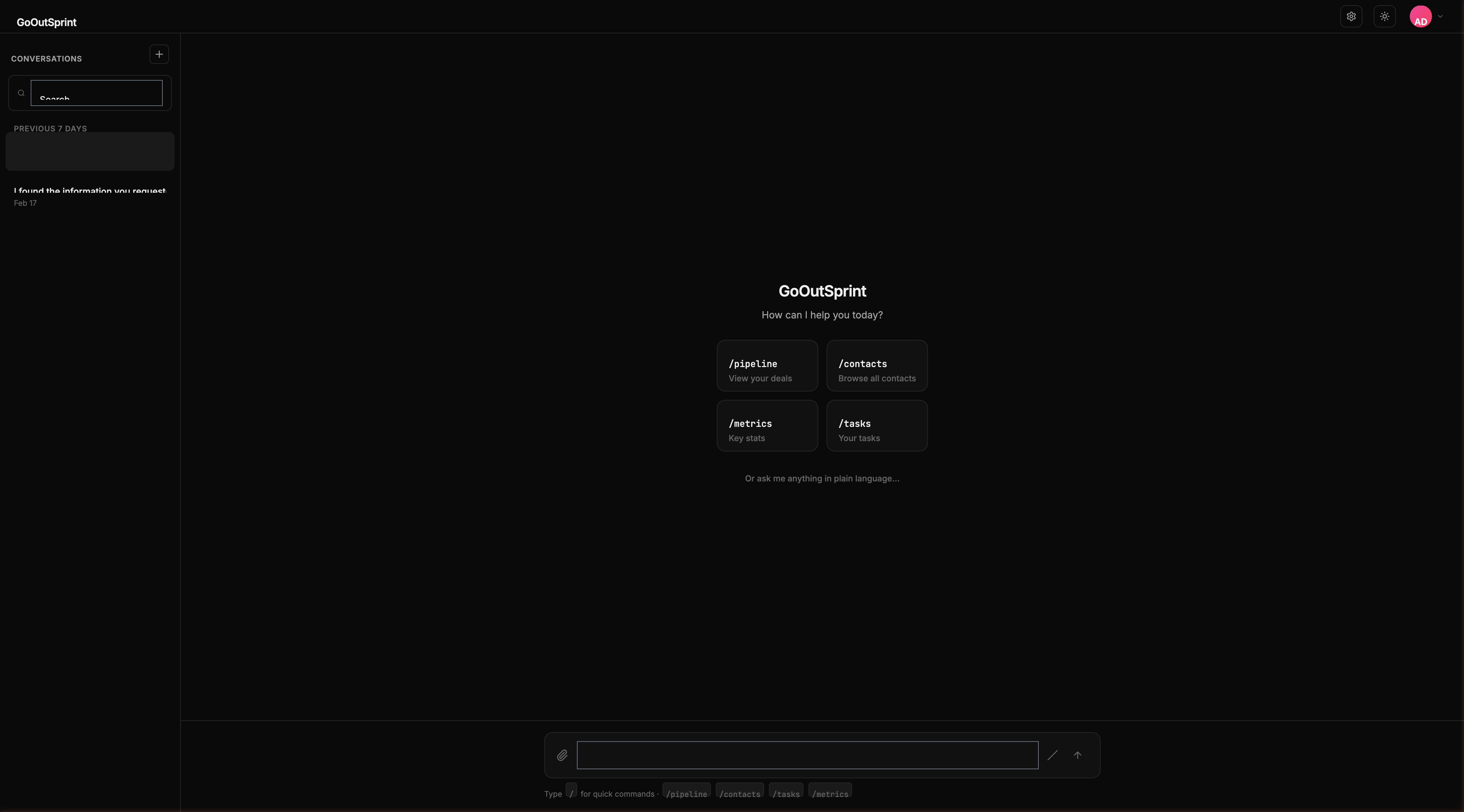
How the Chat Works
You type messages in natural language, and Outsprint responds with text, data, and interactive components. There are two ways to interact:
- Natural language -- Ask questions or give instructions like "Show me all deals over $50,000" or "Create a task to follow up with Sarah"
- Slash commands -- Type
/followed by a command name for instant results, like/pipelineor/contacts acme
What You'll Find Here
Messaging
- Sending Messages -- How to send messages, use streaming, and interact with responses
- Attaching Files -- Upload images, PDFs, and CSVs to your conversations
Render Blocks
Render blocks are the rich visual components that appear inline in the chat -- tables, charts, pipelines, forms, and more.
- Render Blocks Overview
- Tables, Pipeline Views, Charts
- Cards, Forms, Timeline
- Kanban Board, Email Preview, Rich Text
Slash Commands
Quick-access commands for common CRM actions.
- Slash Commands Overview
- Commands for Contacts, Companies, Deals, and more
Conversations
Pro Tip
You can combine natural language with slash commands. Run /deals to see your deal list, then follow up with "Which of these are at risk?" -- the AI understands the context.