Conversations
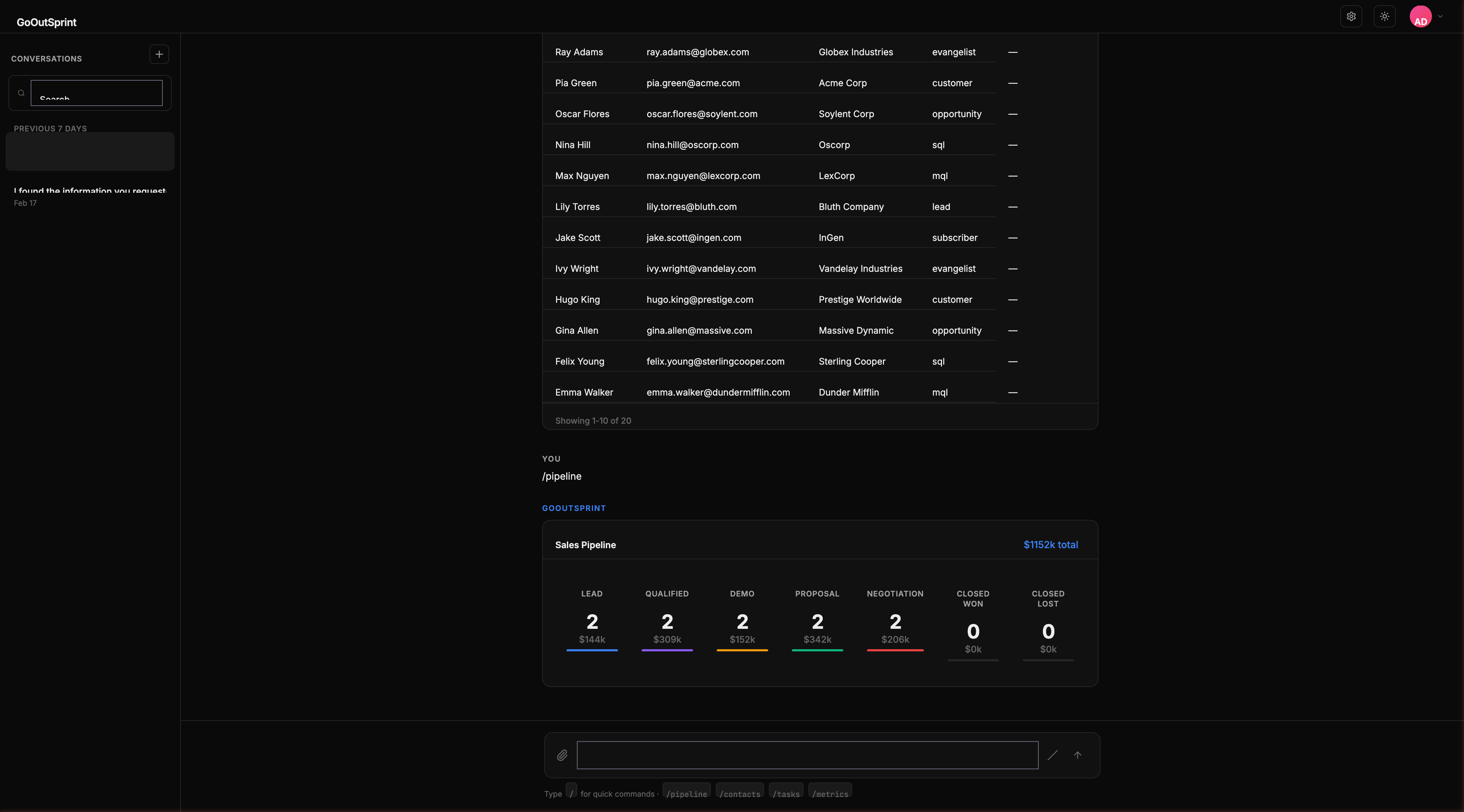
Every interaction in Outsprint happens within a conversation. Conversations are saved automatically and organized in the sidebar for easy access.
How Conversations Work
Each conversation is an independent thread with its own context. When you start a new conversation, it begins with a clean slate -- no prior messages are carried over. This keeps each conversation focused and relevant.
Within a conversation, the AI remembers everything discussed. You can reference previous messages, follow up on results, and build on earlier context throughout the thread.
Managing Conversations
- Creating new conversations
- Using the sidebar to browse and search your history
- Pinning conversations to keep important ones at the top
Conversation Titles
Conversations are automatically titled based on your first message or the AI's summary of the discussion. You can rename a conversation at any time by right-clicking it in the sidebar and selecting Rename.
Context and History
When you revisit a conversation, Outsprint loads the last 50 messages. Scroll up to load older messages. The AI uses recent messages as context when responding, supplemented by semantic search for relevant older information.
Pro Tip
Start a new conversation for each distinct topic or task. This keeps the AI focused and prevents context from different topics from mixing.