/deals
The /deals command shows your open deals, sorted by close date. You can search for specific deals by name, company, or other criteria.
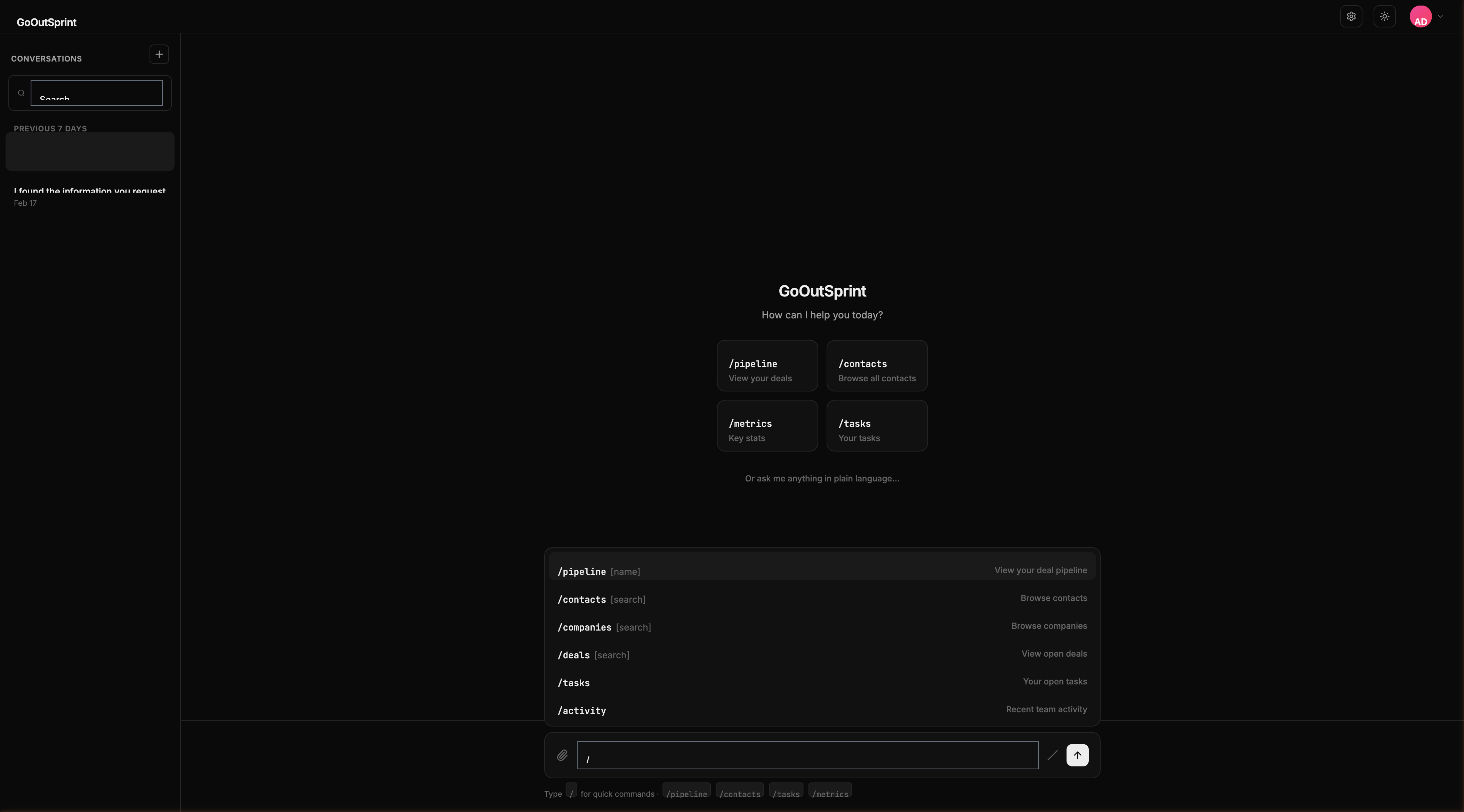
Usage
- No arguments -- Shows your open deals sorted by close date (soonest first)
- With search term -- Searches deals by name, company, or amount
Examples
| Command | What It Does |
|---|---|
/deals | Shows all open deals |
/deals acme | Searches for deals with "acme" in the name or company |
/deals closing this month | Searches for deals closing this month |
What You See
A table render block with columns:
- Deal Name -- Name of the deal
- Company -- Associated company
- Amount -- Deal value in monospace font
- Stage -- Current pipeline stage (as a badge)
- Close Date -- Expected close date
- Owner -- Deal owner
Click any row to view the full deal card with pipeline progress.
You
Outsprint AI
Empty State
If no deals match your search: "No deals found. Create one with /new deal."
Pro Tip
Combine /deals with the pipeline view. Run /deals to see the list, then /pipeline to see the visual stage breakdown.