/email
The /email command gives you quick access to your connected email inbox directly in the chat.
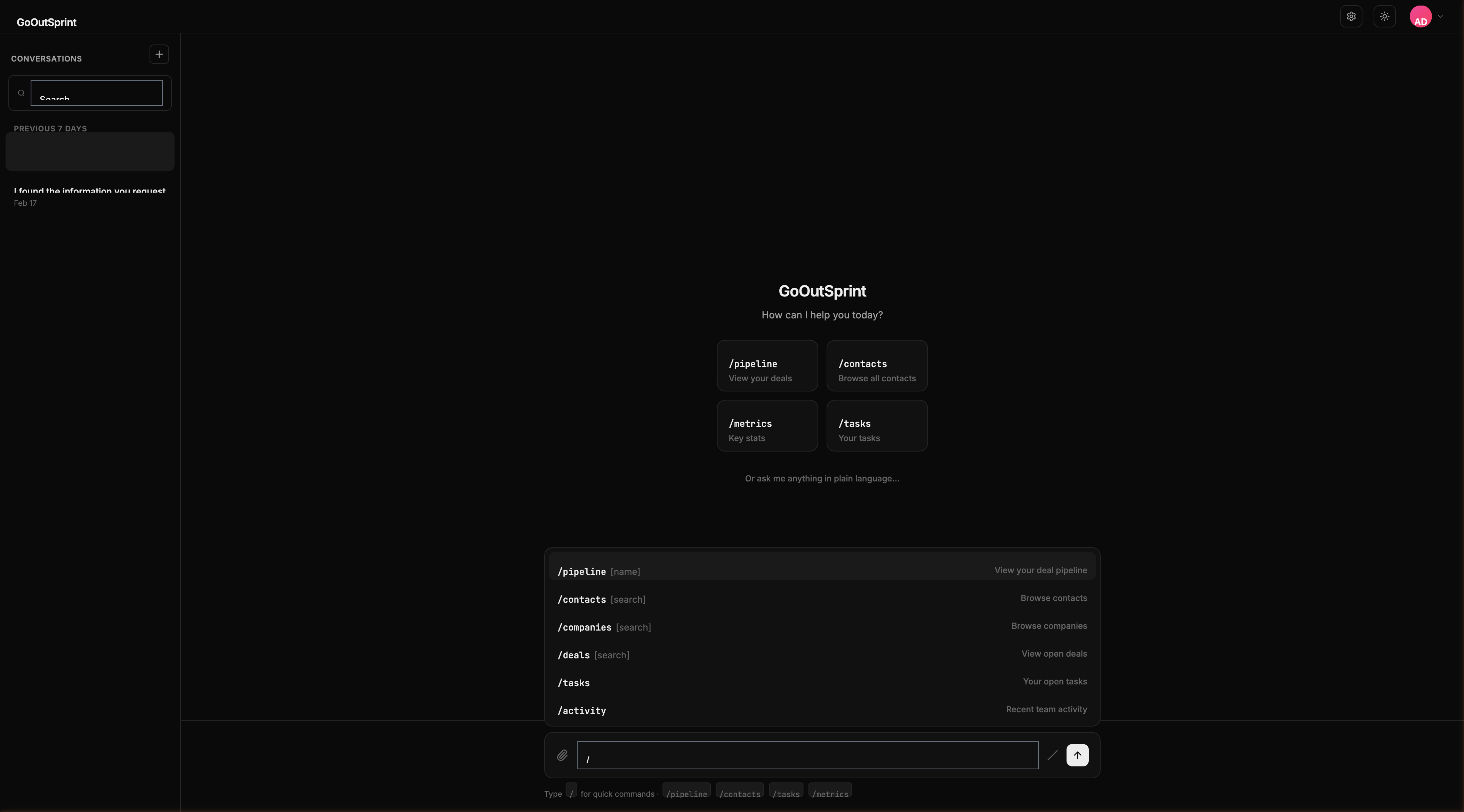
Usage
Shows recent emails from your connected Gmail or Outlook account.
What You See
A table render block with columns:
- From / To -- Sender or recipient
- Subject -- Email subject line
- Date -- When the email was sent or received
- Contact -- Associated CRM contact (if matched)
- Status -- Read or unread indicator
Click any row to see the full email preview with reply and forward options.
You
Outsprint AI
Prerequisites
You need to connect a Gmail or Outlook account in your settings before this command works. If no account is connected, you'll see: "No email accounts connected. Go to /settings to connect Gmail or Outlook."
Empty State
If your inbox is empty: "Inbox is empty."
Note
Outsprint syncs emails from your connected account and automatically associates them with matching CRM contacts based on email addresses.