/export
The /export command lets you export your CRM data as a CSV file.
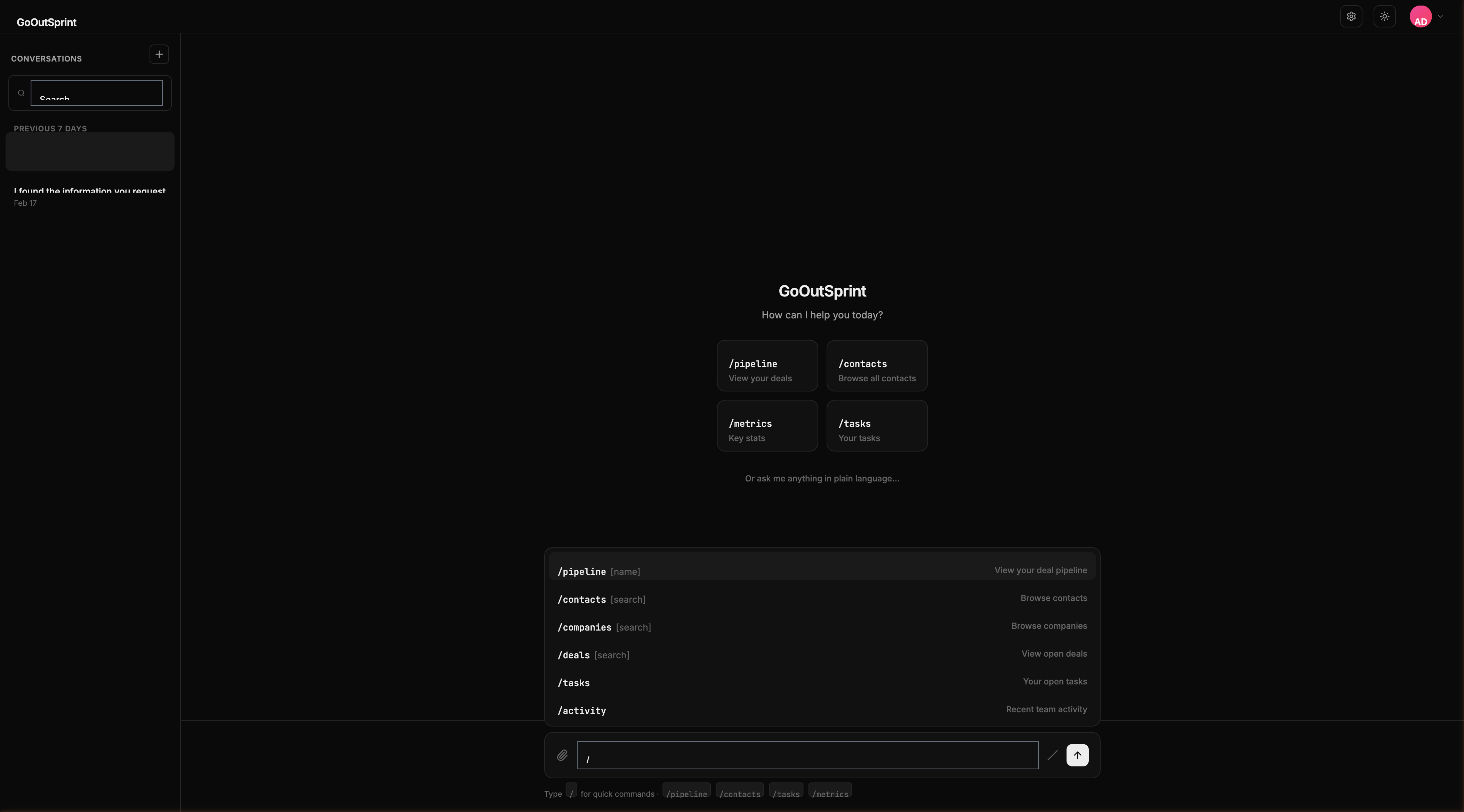
Usage
- No arguments -- Prompts you to choose what to export
- With entity type -- Starts exporting that record type (e.g., contacts, deals, companies)
Examples
| Command | What It Does |
|---|---|
/export | Asks what you want to export |
/export contacts | Exports all contacts as CSV |
/export deals | Exports all deals as CSV |
You
Outsprint AI
What Gets Exported
The CSV includes all standard fields and custom properties for the selected record type. The export respects your current permissions -- you only see records you have access to.
Pro Tip
You can also export filtered results. Run /contacts with a search, then ask "Export these results as CSV" to export only the displayed records.