/import
The /import command starts the data import process. You can import contacts, companies, and deals from CSV files.
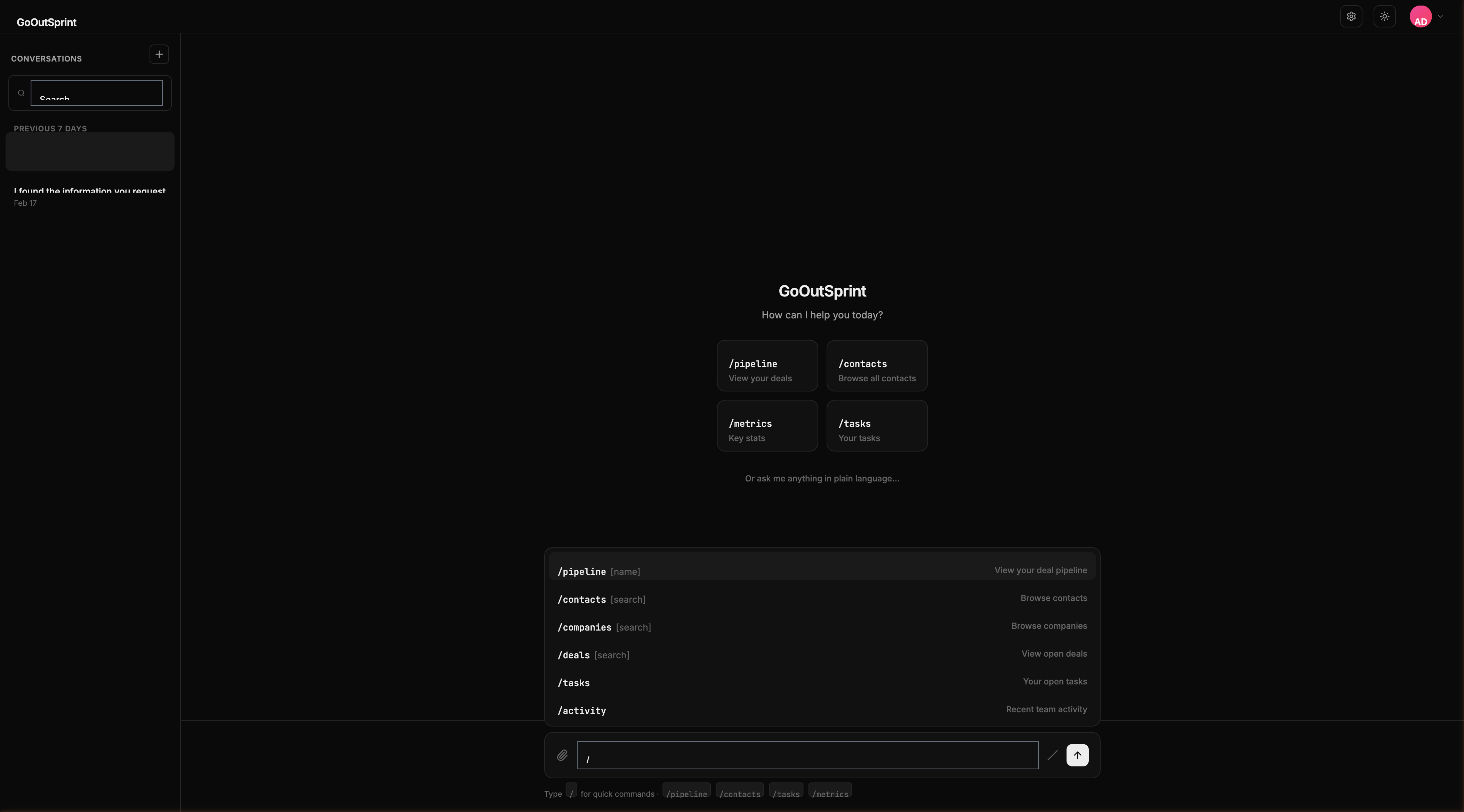
Usage
Starts the import wizard in the chat.
How It Works
- Run
/importto start the import flow - Attach a CSV file or specify the file location
- Outsprint scans the file and shows a preview of the data and column mappings
- Review the mappings and confirm the import
- A progress indicator shows the import status
- Once complete, a summary shows how many records were imported and any that were skipped
You
Outsprint AI
Duplicate Handling
During import, Outsprint checks for duplicate records based on email (for contacts) or name (for companies). Duplicates are flagged and you can choose to skip, update, or merge them.
Warning
Large imports may take several minutes. You'll see a progress bar and can continue using the chat while the import runs in the background.
What's Next
- Export command
- Contacts -- Detailed contact import guide
- Back to slash commands overview