/pipeline
The /pipeline command displays a visual overview of your deal pipeline, showing each stage with its deal count and total value.
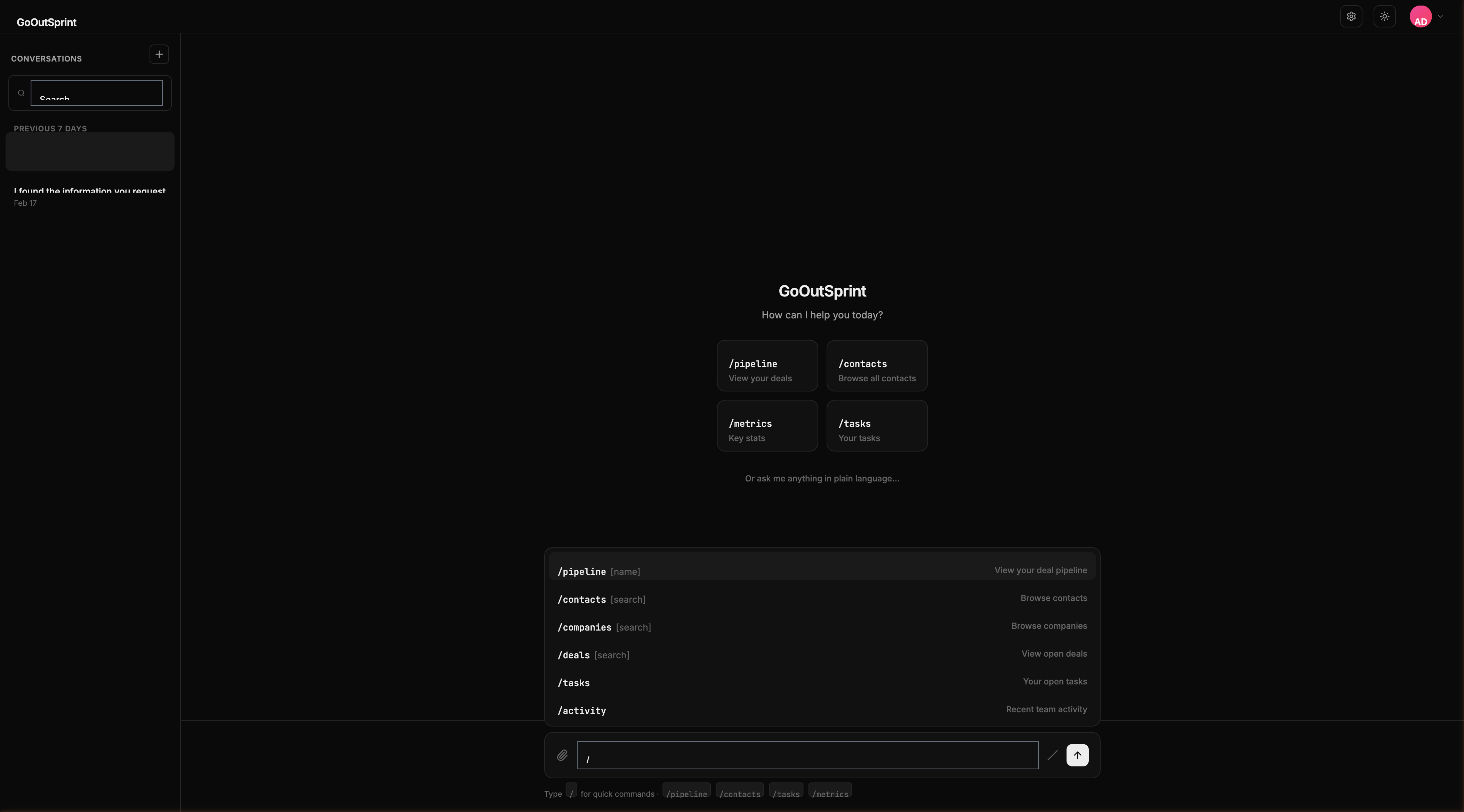
Usage
- No arguments -- Shows your default pipeline
- With a name -- Shows the specified pipeline by name
Examples
| Command | What It Does |
|---|---|
/pipeline | Shows your default deal pipeline |
/pipeline Enterprise Sales | Shows the "Enterprise Sales" pipeline |
/pipeline smb | Matches pipelines containing "smb" |
What You See
A pipeline render block with horizontal stages showing:
- Stage name
- Number of deals in each stage
- Total dollar value per stage
- A proportional bar indicating relative stage size
- Total pipeline value in the header
Click any stage to drill down and see all deals in that stage.
You
Outsprint AI
Multiple Matches
If your search term matches more than one pipeline, Outsprint shows a selection list: "Which pipeline? Enterprise Sales / SMB Pipeline / Partner Deals"
Empty State
If no pipelines are configured: "No pipelines configured. Go to /settings to create one."
Pro Tip
Follow up with "Show me this as a kanban board" for a drag-and-drop view of the same pipeline data.