/report
The /report command shows your saved reports and dashboards. You can run existing reports or ask the AI to create new ones.
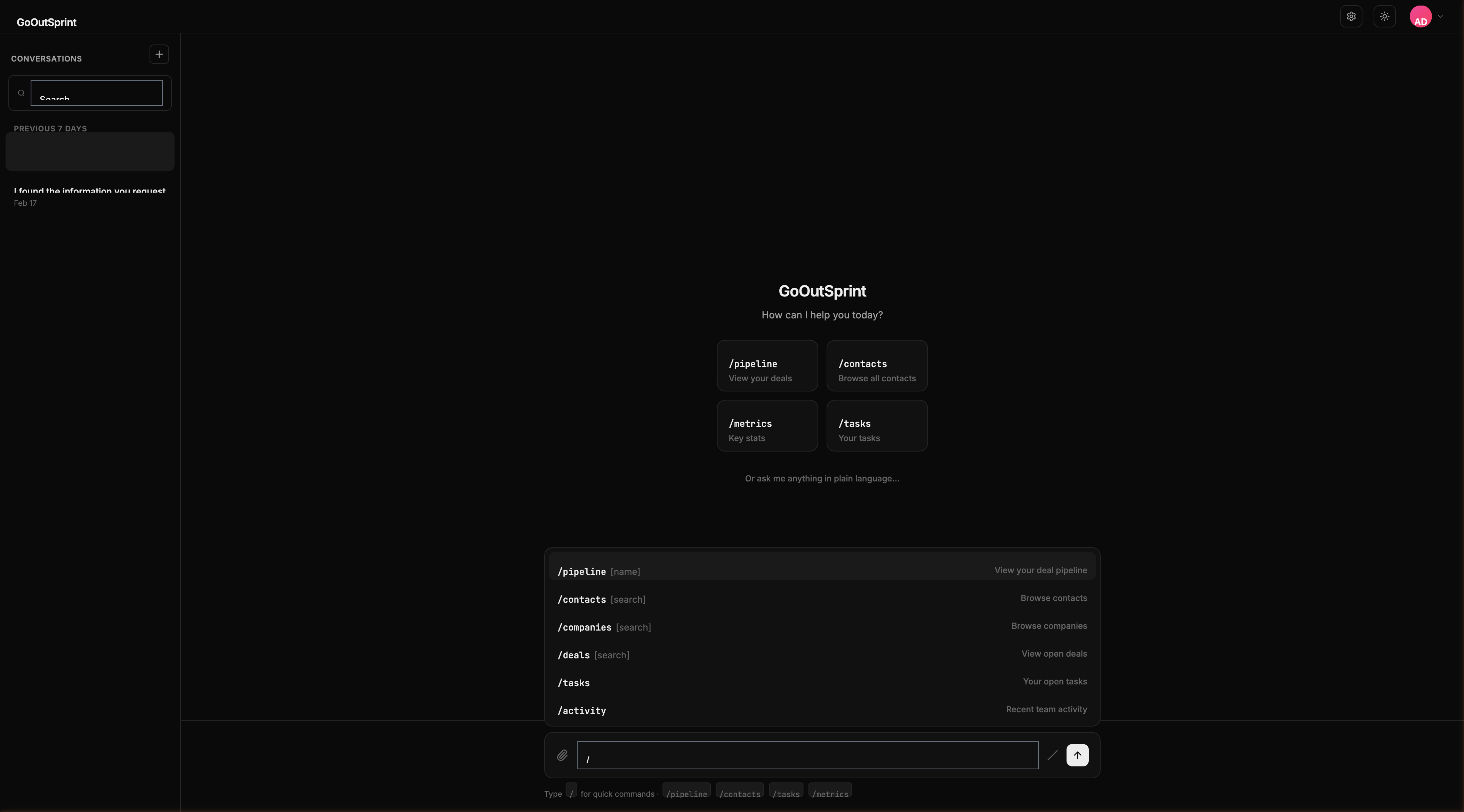
Usage
Shows a list of all saved reports.
What You See
A table render block with columns:
- Report Name -- The title of the saved report
- Type -- Report type (e.g., chart, table, dashboard)
- Last Run -- When the report was last generated
- Owner -- Who created the report
Each row has a Run action button to execute the report and display its results.
You
Outsprint AI
Empty State
If you have no saved reports: "No saved reports yet. Ask me to create one, e.g., 'Show me a conversion rate report'."
Creating Reports
You don't need to use a report builder. Just ask the AI in natural language:
You
Outsprint AI
Pro Tip
After the AI generates a report, ask "Save this as 'Monthly Revenue'" to save it for quick access later.