/settings
The /settings command opens the admin settings panel where you can configure your Outsprint workspace.
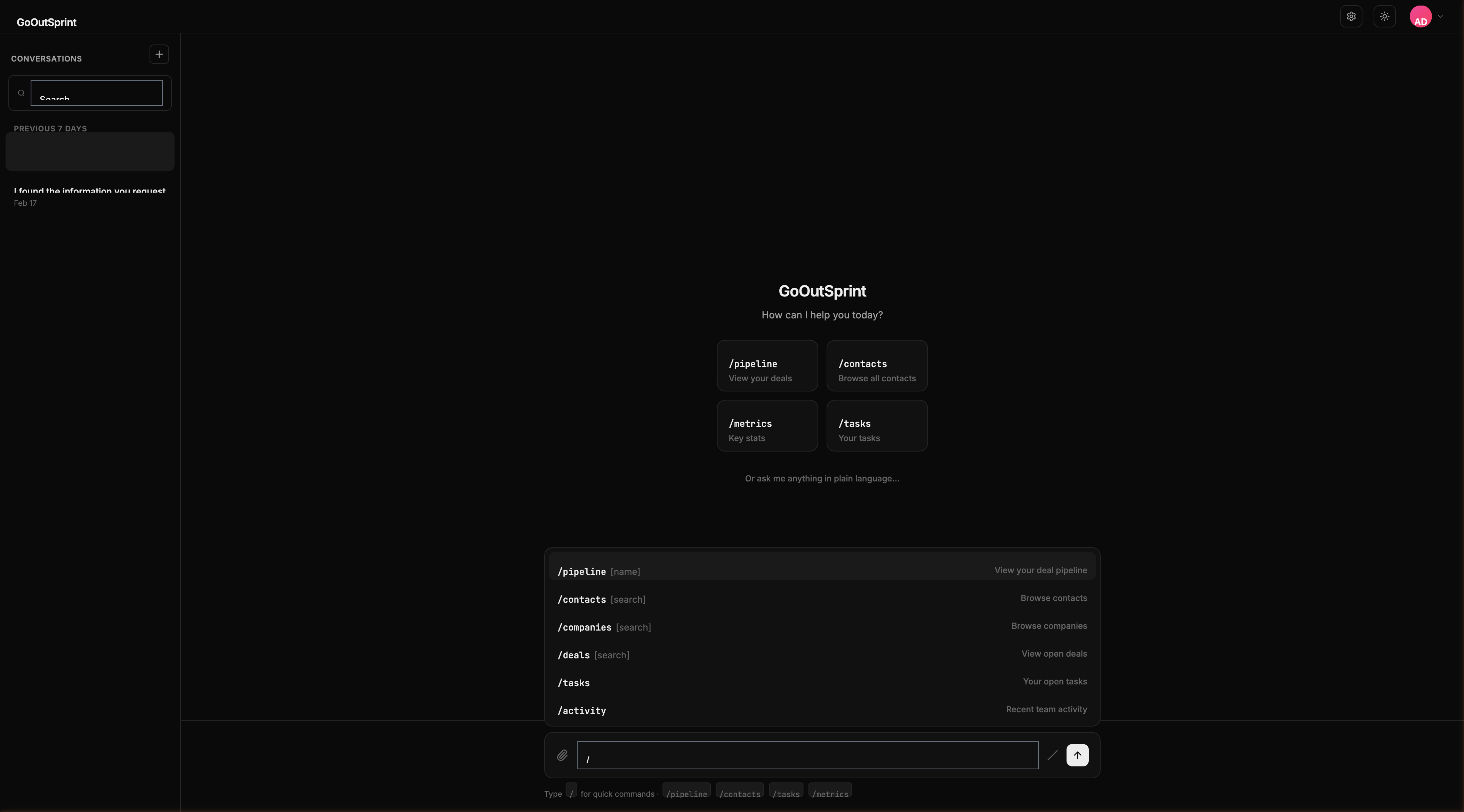
Usage
This command navigates you to the settings page. It does not display a render block in the chat.
What You Can Configure
The settings panel is organized into four sidebar sections:
- General -- Account settings (organisation details, timezone, currency, date format), Team management, and Billing
- CRM Setup -- Pipelines, Custom Properties, and Notifications
- Integrations -- Connected Apps and API Keys
- Data -- Security (2FA, sessions, passwords, data retention) and Data Export
Permissions
All users can access /settings, but admin-only sections will display a "You don't have permission" message if your role doesn't include admin access. Ask your team admin to update your role if you need access to restricted settings.
Note
Settings changes affect your entire organization. Only users with admin or manager roles can modify most configuration options.