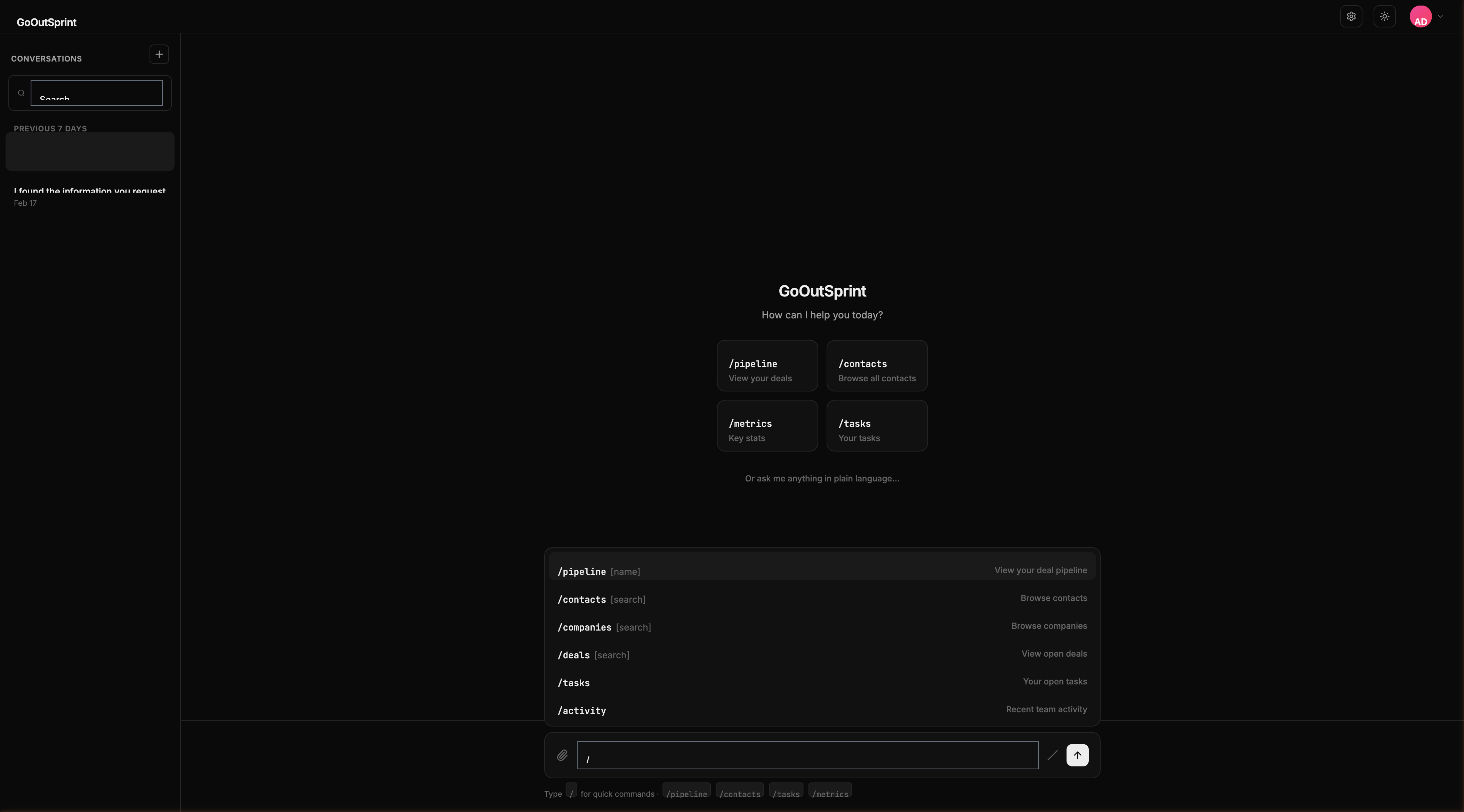
/tasks
The /tasks command shows your open tasks, prioritized with overdue items at the top.
Usage
This command shows all open tasks assigned to you. No arguments are needed.
What You See
A table render block with columns:
- Subject -- Task description
- Due Date -- When the task is due (overdue dates highlighted in red)
- Priority -- Low, medium, or high
- Associated Entity -- The contact, company, or deal the task relates to
- Status -- Current status
Tasks are sorted with overdue items first (highlighted in red), followed by upcoming tasks sorted by due date.
You
Outsprint AI
Empty State
If you have no open tasks: "No open tasks. Nice work!"
Pro Tip
Create a new task quickly with natural language: "Create a task to follow up with Sarah Chen by Friday."