/tickets
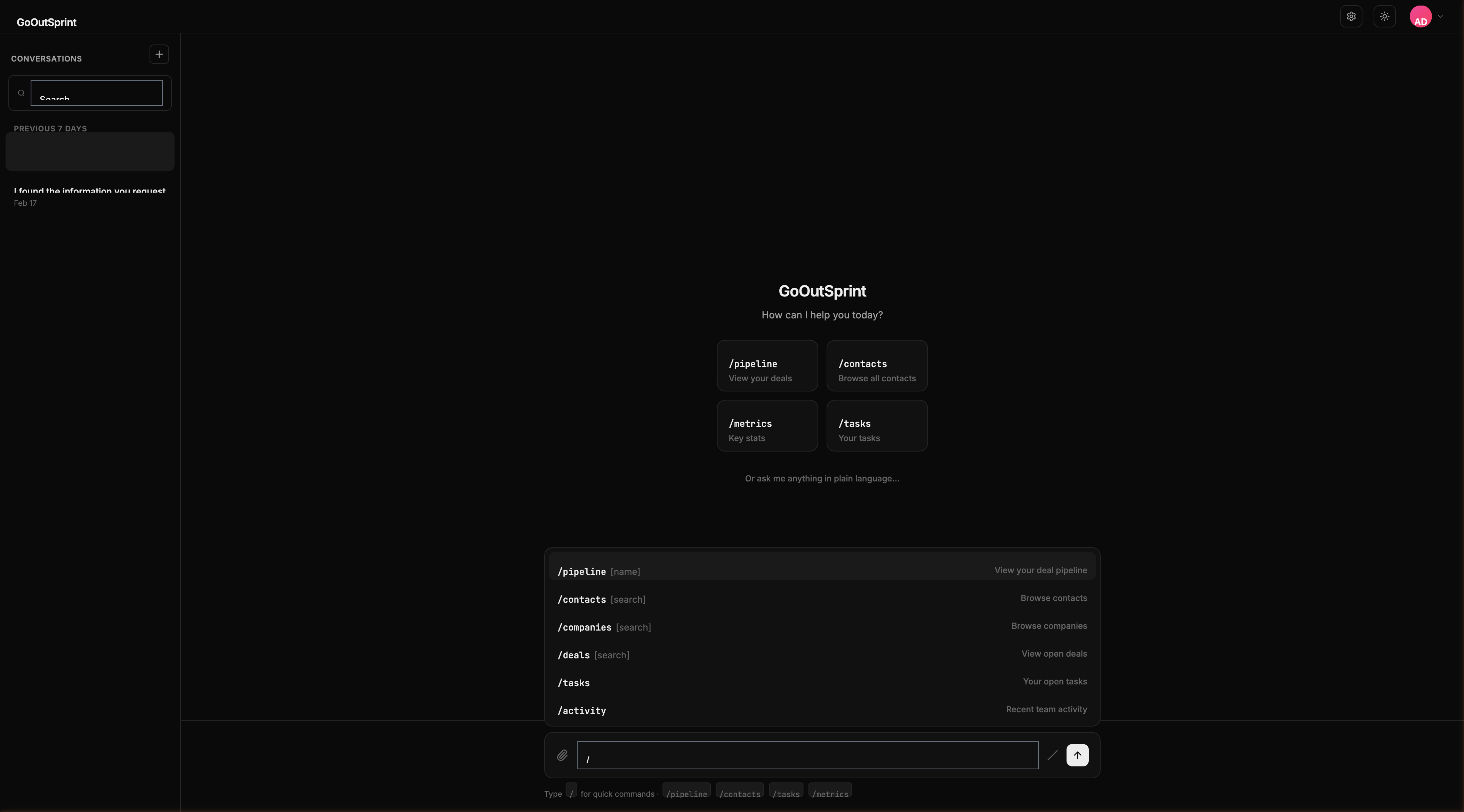
The /tickets command shows your support tickets. You can search by subject, priority, or status.
Usage
- No arguments -- Shows open tickets sorted by creation date
- With search term -- Searches tickets by subject, status, or priority
Examples
| Command | What It Does |
|---|---|
/tickets | Shows all open tickets |
/tickets urgent | Filters by urgent priority |
/tickets #open | Filters by open status |
What You See
A table render block with columns:
- Subject -- Ticket subject line
- Priority -- Priority level (badge)
- Status -- Current status
- Contact -- The contact who submitted the ticket
- Created -- When the ticket was created
- SLA -- SLA due date (if applicable)
Click any row to see the full ticket details.
You
Outsprint AI
Pro Tip
Follow up with "Which tickets are approaching their SLA deadline?" to get a prioritized view.