/workflow
The /workflow command shows your active automation workflows with their enrollment counts and status.
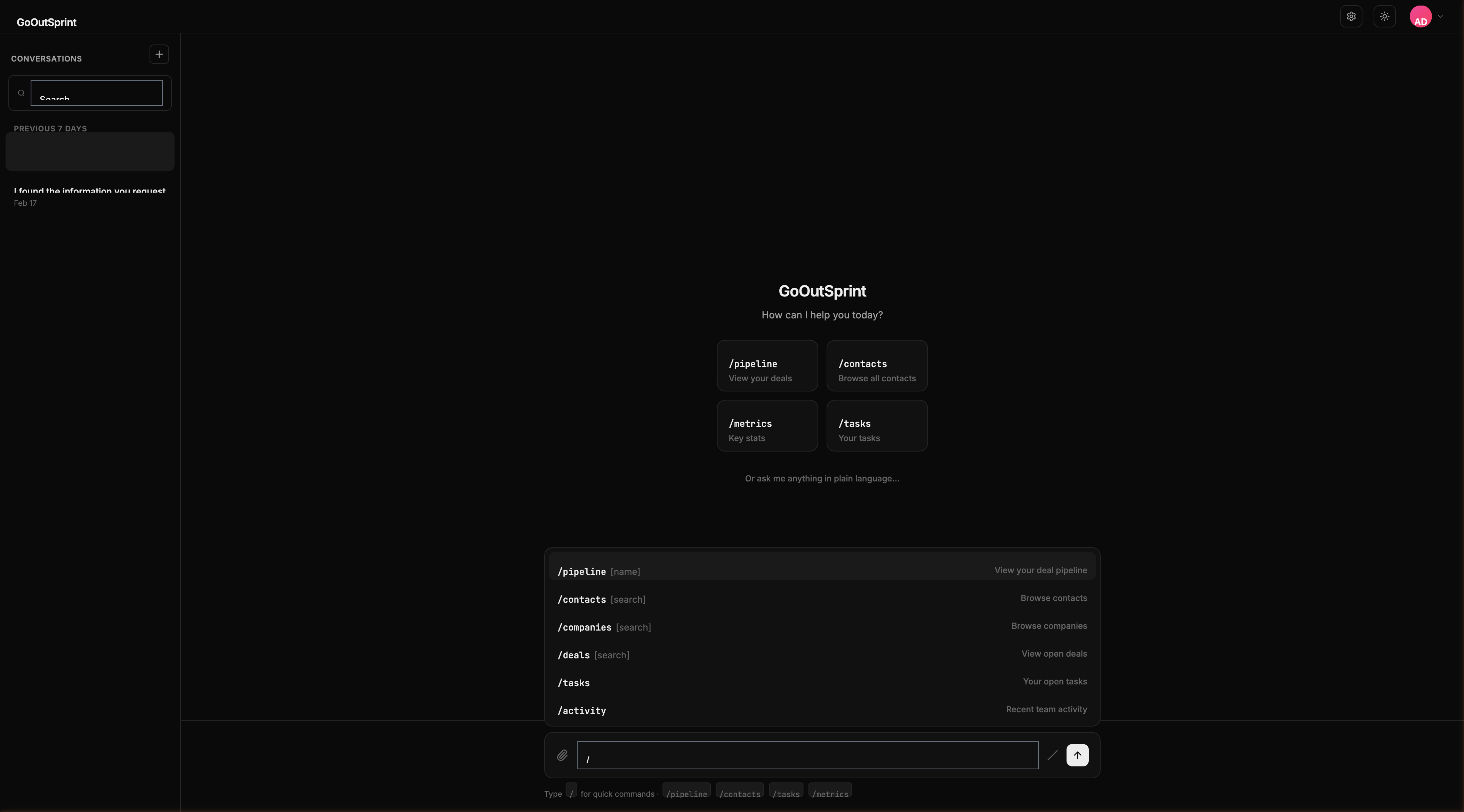
Usage
Shows all configured workflows.
What You See
A list of your automation workflows, each showing:
- Workflow name -- What the automation does
- Status -- Active or paused
- Trigger -- What starts the workflow (e.g., "Deal moves to Closed Won")
- Active enrollments -- How many records are currently in the workflow
- Last triggered -- When the workflow last ran
You
Outsprint AI
Workflow Diagrams
Click any workflow to see a visual flow diagram showing each step: triggers, actions, conditions, and delays. The diagram uses a vertical top-to-bottom layout with connected nodes.
Managing Workflows
You can create and edit workflows through chat commands:
You
Outsprint AI
Pro Tip
Workflows can include triggers, actions, conditions, and delays. Ask the AI to build complex multi-step automations using plain language.