Onboarding
After you sign up, Outsprint walks you through a guided setup in the chat. The onboarding flow helps you configure your workspace in a few quick steps.
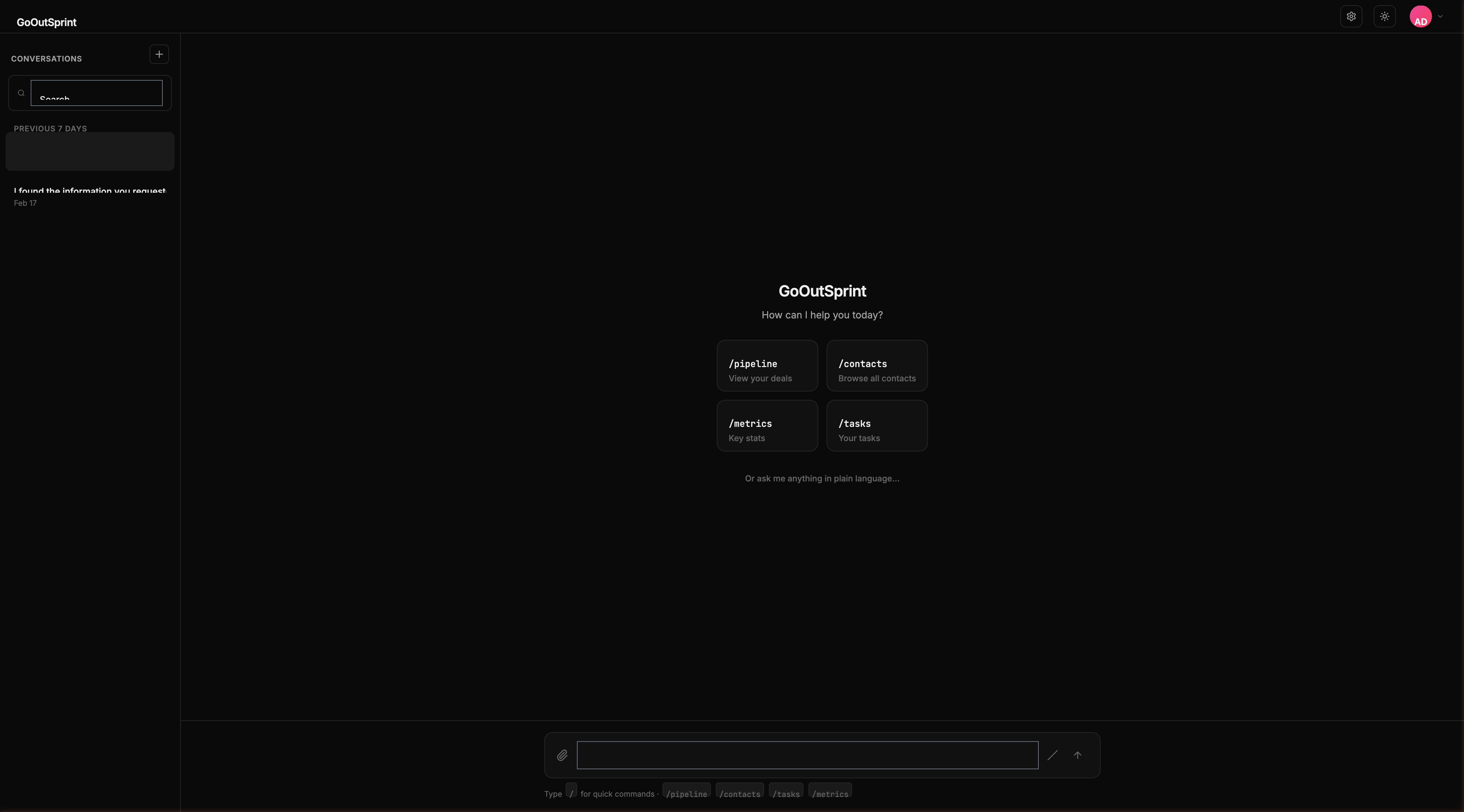
Onboarding Steps
Step 1: Company Information
You'll see a form asking for basic details about your organization:
- Company name -- Your business name
- Industry -- Select from options like Technology, SaaS, Healthcare, and more
- Team size -- How many people will use Outsprint
- Website -- Optional
Fill in the form and click Continue.
Step 2: Import or Start Fresh
You have two options:
- Import from HubSpot -- Connect your HubSpot account and bring over your existing contacts, companies, deals, and pipelines
- Start from scratch -- Set up a new pipeline and create your first contacts manually
HubSpot Import Path
If you choose to import from HubSpot:
- Outsprint redirects you to HubSpot to authorize the connection
- Once connected, Outsprint scans your account and shows what it found (contacts, companies, deals, pipelines, custom properties)
- Confirm the import -- a progress bar shows the status
- When complete, you get a summary of everything imported
Start Fresh Path
If you start from scratch, you'll choose a pipeline template:
- SaaS Sales -- Lead, Demo, Trial, Proposal, Closed Won, Closed Lost
- Services -- Lead, Consultation, Proposal, Contract, Closed Won, Closed Lost
- Custom -- Define your own stage names
Select a template or create a custom pipeline. It appears as an interactive pipeline block.
Step 3: Invite Your Team
Add team members by entering their email addresses and assigning roles. Click + Add another to invite multiple people at once.
You can Skip for now if you prefer to invite teammates later.
Step 4: You're All Set
Outsprint shows you quick-start cards to begin working:
/pipeline-- View your deals/contacts-- Browse all contacts/metrics-- Key stats/tasks-- Your tasks
Pro Tip
No step is mandatory. You can skip any step and come back to it later from the settings. The onboarding conversation stays pinned at the top of your sidebar until you complete it.
Resuming Onboarding
If you leave mid-onboarding, Outsprint picks up right where you left off the next time you sign in. Your progress is saved automatically.
Invited Users
If you were invited by a teammate, you get a shorter welcome flow. Since your admin has already configured the pipeline and imported data, you go straight to the chat with a welcome message and quick-start cards.