Signing Up
Outsprint is currently in private beta. You can request early access through the signup page.
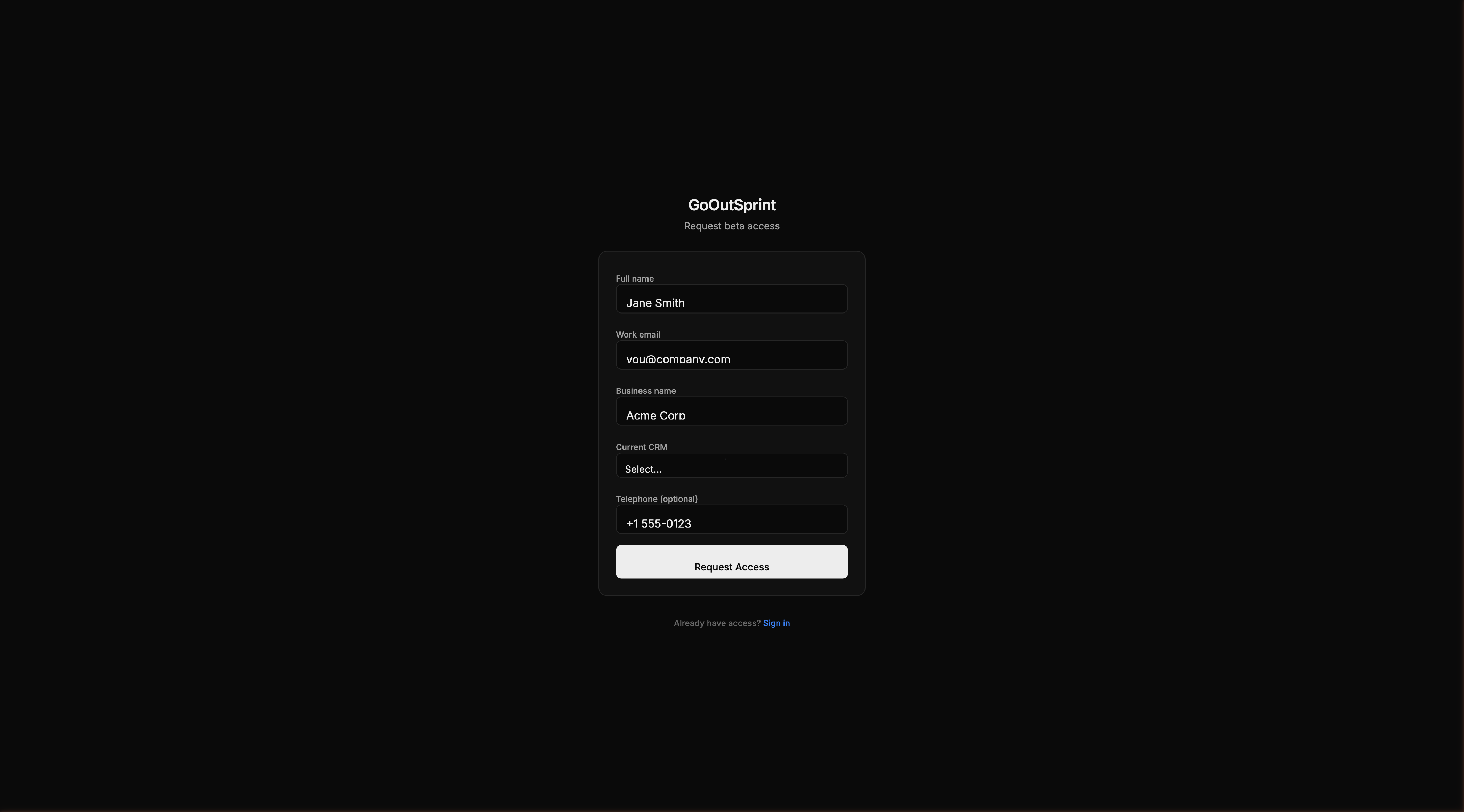
Request Beta Access
- Go to the Outsprint signup page
- Fill in the request form:
- Full name -- Your first and last name
- Work email -- This becomes your login when approved
- Business name -- The name of your organisation
- Current CRM -- Which CRM you currently use (helps us tailor your onboarding)
- Phone number -- Optional contact number
- Click Request Access
Once your request is approved, you will receive an email invitation to set up your account.
Signing In
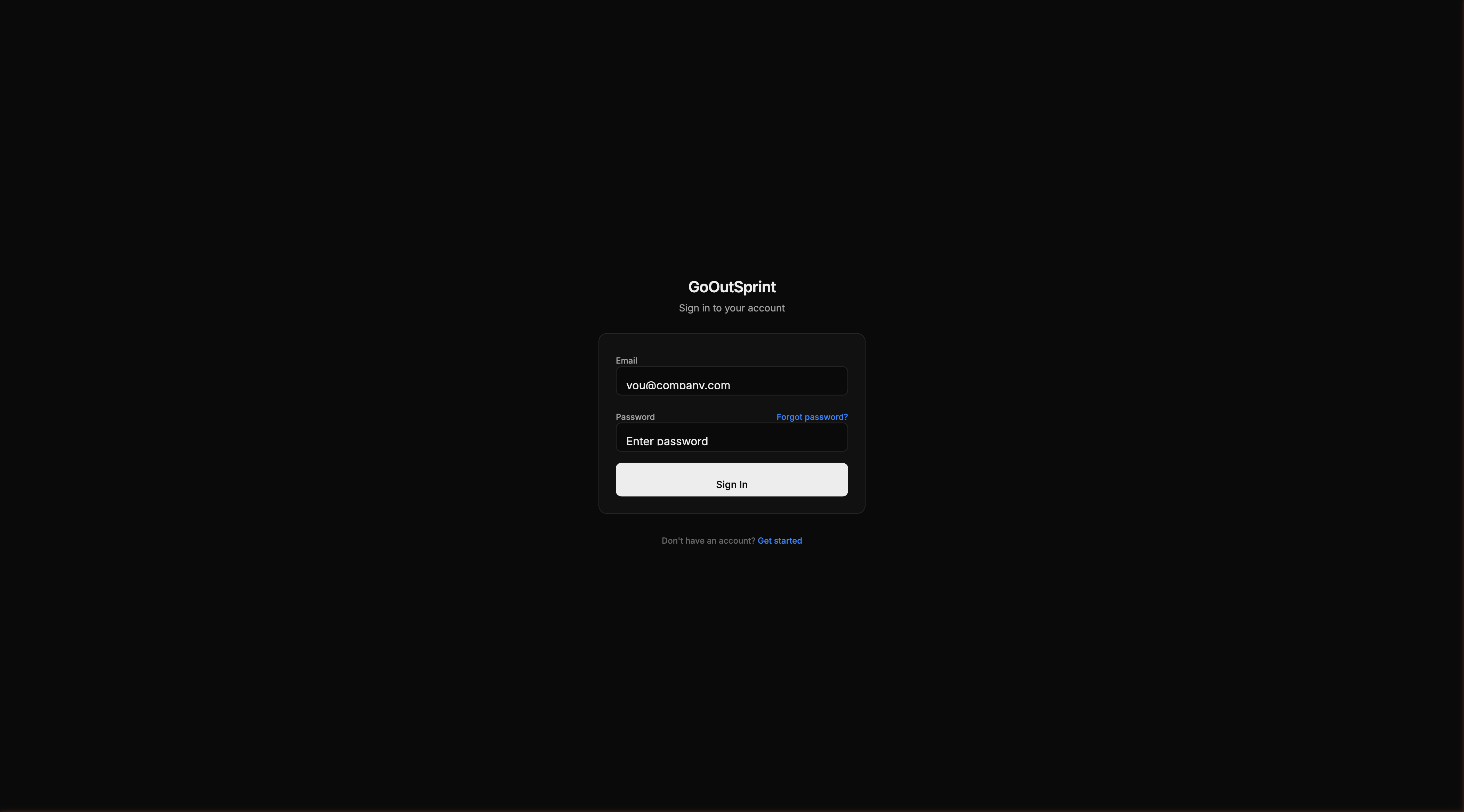
If you already have an account, navigate to the login page to sign in with your email and password.
Pro Tip
Use your work email address. Outsprint uses email domains to automatically link contacts to companies, so a work email helps keep things organized.
What Happens Next
After you create your account, Outsprint automatically provisions your workspace:
- A private database schema for your organization
- A default sales pipeline with standard stages
- Default user roles and permissions
You are then redirected to the onboarding flow, where you can configure your company details, set up your pipeline, and invite your team.
Joining an Existing Team
If a teammate has already created an Outsprint account for your organization, you'll receive an email invitation.
- Click the Join Team link in the invitation email
- Create your account with your name, email, and password
- You'll land directly in the chat interface with a welcome message and quick-start cards
As an invited user, you skip the onboarding steps for pipeline setup and data import -- your admin has already handled that.
Note
Your admin controls your role and permissions. If you need access to settings or admin features, ask your team admin to update your role.